At a glance
Worth evaluating when confidential client work needs encrypted storage and deliberate sharing controls. Choose the product and seat commitment around your workflow; Pickora has not audited its security or tested a paid account.
Tresorit
Best for: Teams exchanging confidential client documents; Consultants comparing encrypted storage with a sharing-only product
A research-based Tresorit review covering SecureCloud, sharing controls, team plans and the practical checks to make before moving confidential files.
Strengths
- Documented encrypted storage and external sharing workflows
- Separate storage and file-exchange products
- Link controls and team administration are documented
Trade-offs
- Seat minimums affect the actual subscription commitment
- Advanced controls require checking the selected plan
- No Pickora hands-on security or performance evidence
Pickora may earn a commission if you buy through this link. Read our disclosure.
A file workflow, rather than a storage number
Tresorit is most relevant when a file needs to move between colleagues and clients without leaving access decisions to an ordinary attachment. Its SecureCloud product combines storage with sharing, while FileSharing focuses on exchanging files alongside an existing storage setup. That distinction should come before a price comparison.
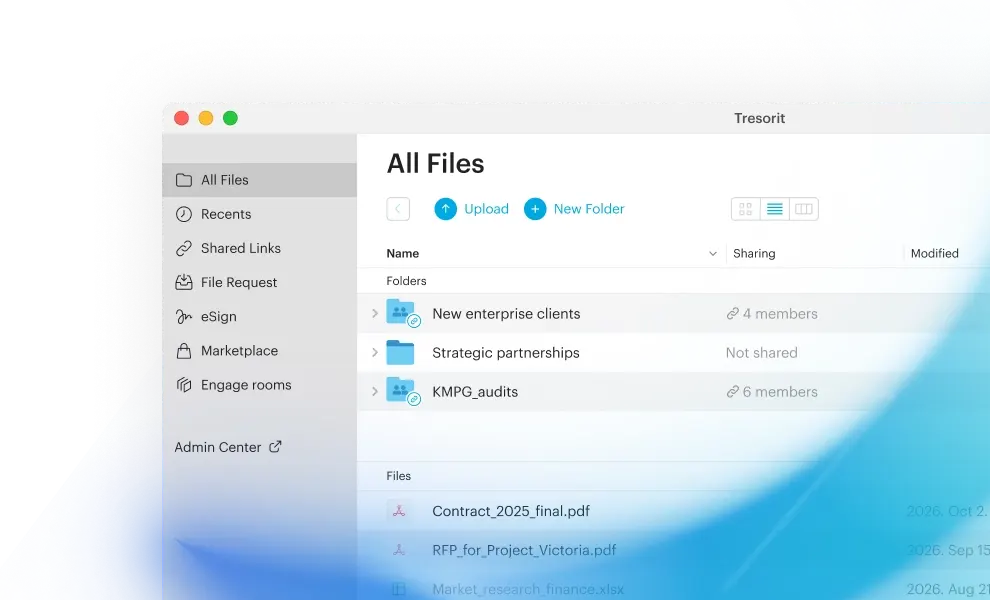
This review draws on official product, security and pricing pages checked November 4, 2026. Pickora has not used a paid account, measured transfer speed or performed a cryptographic audit. The images are vendor interface visuals with demonstration content. Our suitability judgments are editorial analysis.
What the encryption claim establishes
Tresorit’s security explanation describes encryption on the user’s device and a zero-knowledge architecture. The stated design is that the provider does not receive the unencrypted keys needed to read the protected files. This is a vendor description of the system, rather than an independent security finding by Pickora.
For a buyer, the next questions are operational. Which people can share a folder? What happens when an employee leaves? How will a colleague recover access if a device becomes unavailable? A storage subscription is useful only when the people responsible for the files understand those answers.
The security page also discusses certification and regulatory support. Those statements do not establish that your organization’s particular use is compliant. Read the applicable agreement and requirements for your own data rather than treating a badge as approval for every workflow.
Sharing controls deserve a recipient test
The FileSharing product page describes protected links, expiration settings, file requests and additional access controls. These are concrete features to examine when replacing attachments. Availability still needs to be matched to the purchased product and plan.
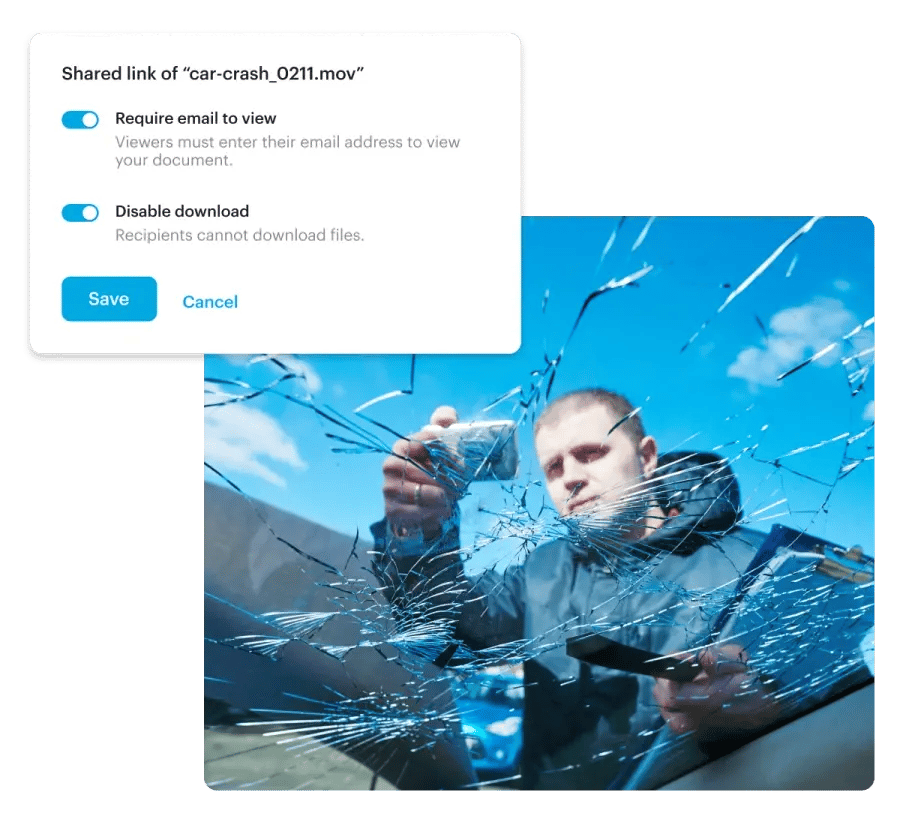
Vendor demonstration visual. Source: Tresorit. This is not a Pickora test account.
Use a harmless sample document and a recipient outside your organization. Check whether that person can open it on the device they actually use, understand any identity step and complete the required task. Then change or revoke access and inspect the result. This is our suggested evaluation, not a test Pickora has completed.
Revoking a link is an access decision. It should not be understood as recovering every copy someone already downloaded, photographed or otherwise retained. Decide what recipients may do with a document before sending it.
Storage and file exchange are different purchases
SecureCloud is the logical product to inspect if the project includes a shared home for working files. A team that already has satisfactory storage may instead need only a controlled exchange path. Moving the whole archive would add migration work that a narrower sharing requirement may not justify.
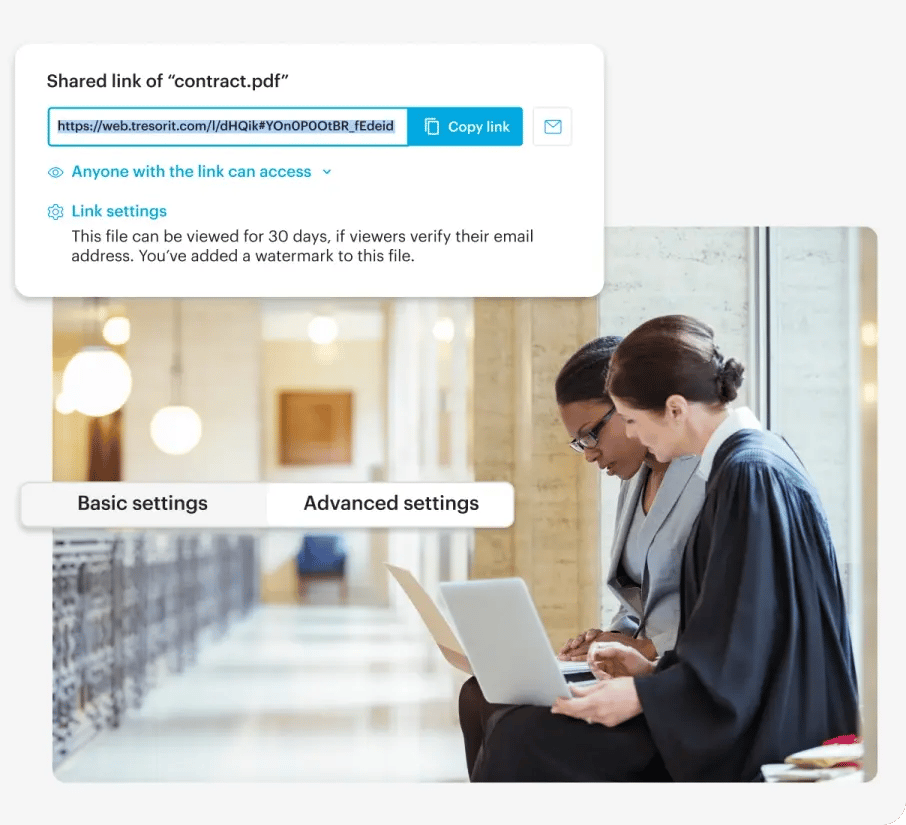
Vendor demonstration visual. Source: Tresorit. This is not a Pickora test account.
The vendor’s contract-sharing visual shows a link and its settings. It illustrates the access decision; it does not show a Pickora client exchange or establish legal admissibility. During evaluation, identify who owns the file, who manages the link and who closes access after the work ends.
Read the seat commitment before the headline rate
The business pricing page separates Professional for one user, Business starting at three users and Business Pro starting at five. The products differ in storage, upload limits and administration. A per-user figure multiplied by your current staff count can understate the commitment when the plan requires more seats.
The page offers monthly and yearly billing, with regional currency choices. We do not quote a single checkout total because we have not independently confirmed a checkout with a selected billing period. Confirm the chosen currency, billing period, minimum seats, tax and any add-ons before purchase. A trial of a data-room feature is also not the same as unlimited ongoing access to that feature.
List the capabilities your team actually requires, then ask which exact tier includes them. In particular, confirm identity integration, data residency, tracking, watermarking and retention settings rather than assuming every feature in the product family is bundled together.
The decision we would make first
Evaluate Tresorit when confidentiality and repeatable external collaboration are substantial requirements. Start with one realistic exchange and a small folder before planning a migration. Check recipient friction, account administration, access removal and the final quote together.
If the immediate need is a few ordinary files with no specialist access requirements, first establish what the existing tool lacks. The reason to pay for Tresorit should be a documented requirement and a workable process, not the assumption that a larger feature list guarantees better handling of your files.