At a glance
Choose around where the working files should live. SecureCloud and FileSharing solve related needs, with different reasons to buy.
Start with where the working files belong
If your team needs a shared, encrypted place for everyday documents, investigate SecureCloud. If your existing storage already works and the problem is exchanging files with outsiders, investigate FileSharing first. This is a workflow distinction, not a ranking of the two products.
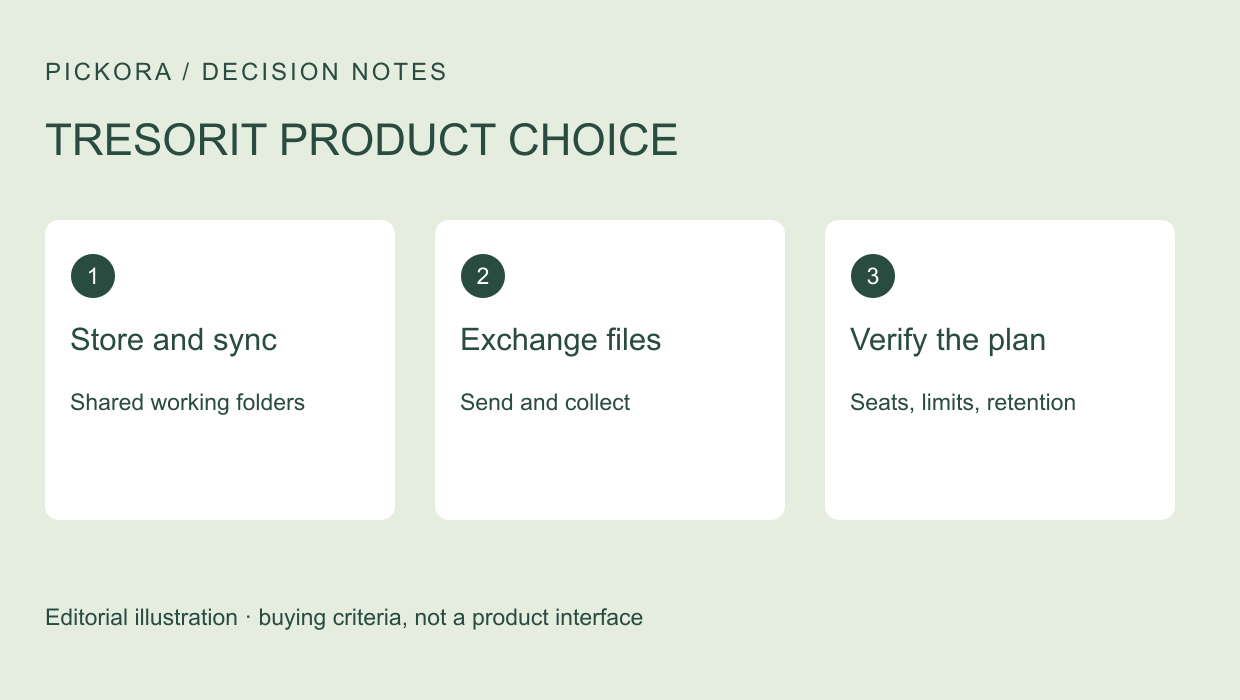
This article uses official product and pricing pages checked November 4, 2026. Pickora has not used either paid product. Our cover illustrates the buying decision; the vendor body visual is a product illustration rather than a screenshot of our own work.
When SecureCloud belongs on the shortlist
SecureCloud is described as a workspace for storing sensitive files and collaborating with internal and external people. That makes it relevant to a project that includes the location of the working archive, ongoing folder access and account administration.
A storage decision carries migration work. Inventory the active files, identify the current source of truth and decide how people will find documents after the move. Start with one folder, preserve a recoverable copy under your established process and verify the result before expanding. These are planning suggestions, not a claim that Pickora has completed a migration.
The business plan page sets out different storage and upload limits. Compare those against the largest individual file you actually use as well as the total archive. Enough total capacity does not establish that one large deliverable can be uploaded.
When FileSharing is the narrower purchase
FileSharing focuses on protected exchanges, including links and incoming file requests. Its product page positions it alongside existing storage, so a buyer should not assume a complete archive migration is necessary to improve an external handoff.
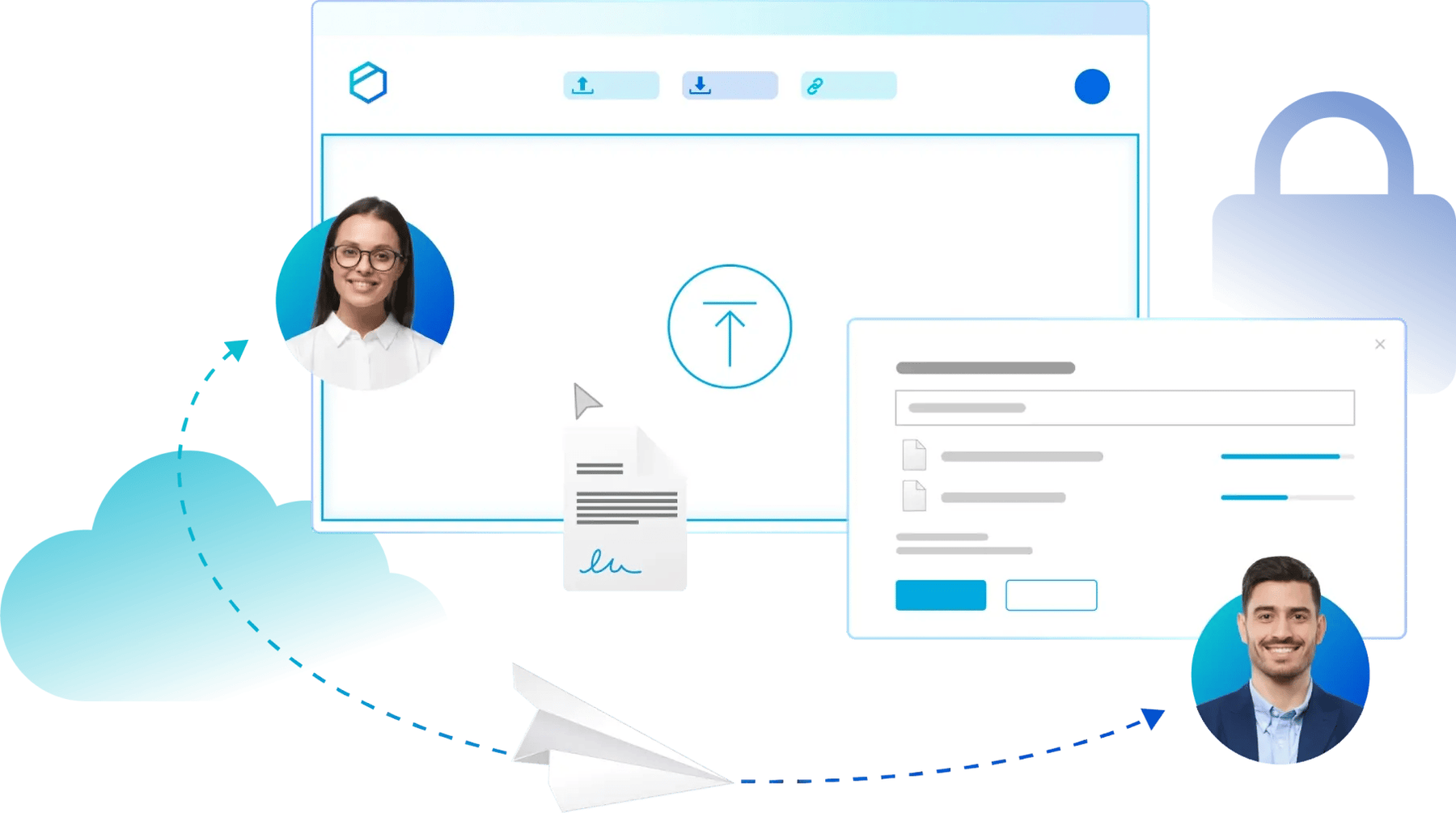
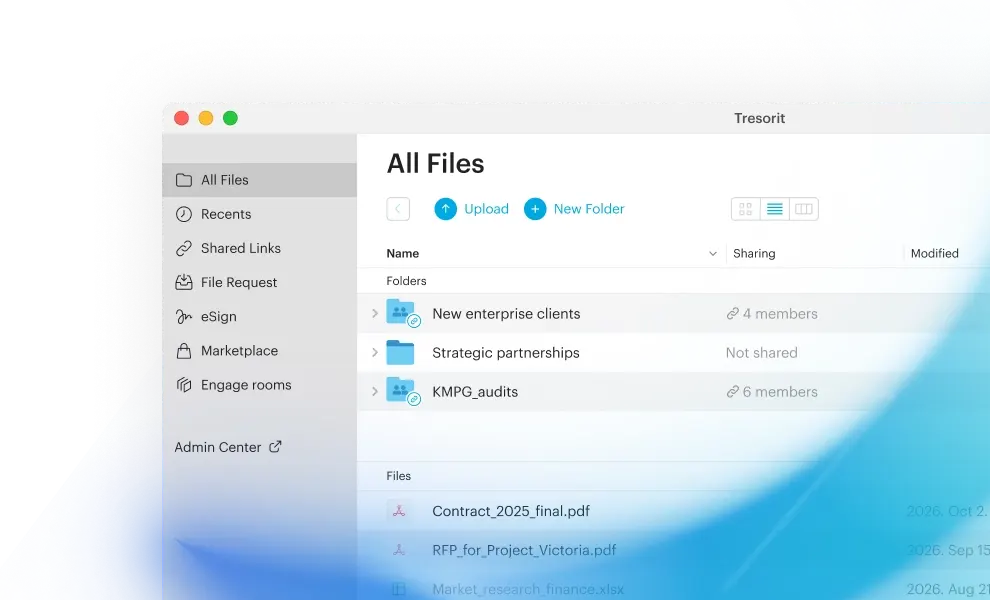
Vendor demonstration visual. Source: Tresorit. This is not a Pickora test account.
An agency sending a final deliverable may need controlled recipient access without moving all internal project files. That is an illustrative use case. Check how the recipient opens the file, how the sender changes access and what happens to the hosted copy after the exchange.
Do not interpret the presence of storage in a feature table as proof that a sharing product has the same working-folder behavior as SecureCloud. Confirm the action you need, rather than choosing by a storage number alone.
Compare the constraints side by side
| Buying question | SecureCloud evaluation | FileSharing evaluation |
|---|---|---|
| Primary job | Working-file storage and collaboration | Controlled sending and collecting |
| Team commitment | Check one-user and team tiers separately | Check the sharing-plan seat minimum |
| File size | Match the selected storage plan’s upload limit | Match the exchange limit to the deliverable |
| After the project | Decide folder ownership and retained access | Check expiry, revocation and hosted-file retention |
The FileSharing pricing page lists Business starting at three users and Enterprise starting at fifty. Its table describes file sharing up to 5 GB and a mandatory 90-day auto-deletion policy for Business. Confirm how that policy applies to the intended exchange before using it as long-term storage.
Price the whole commitment
Both pricing pages offer billing choices. We have not independently confirmed a checkout with a selected monthly or yearly view, so this article does not turn a displayed headline figure into a guaranteed checkout total. Obtain a quote with currency, billing period, required seats, taxes and extras made explicit.
For a one-person business, a team-seat minimum may change the choice materially. For a larger team, identity integration or administrative controls may matter more than unused storage. Write down the requirement that justifies each paid capability.
Choose after a sample exchange or folder workflow works for both the sender and recipient. If the project requires both ongoing storage and external handoffs, inspect how SecureCloud bundles the relevant sharing capabilities before buying separate subscriptions.
Continue with this topic
Useful resources
Tresorit
Official service discussed in this article; confirm current scope and terms.
Pickora may earn a commission if you buy through this link. Read our disclosure.