At a glance
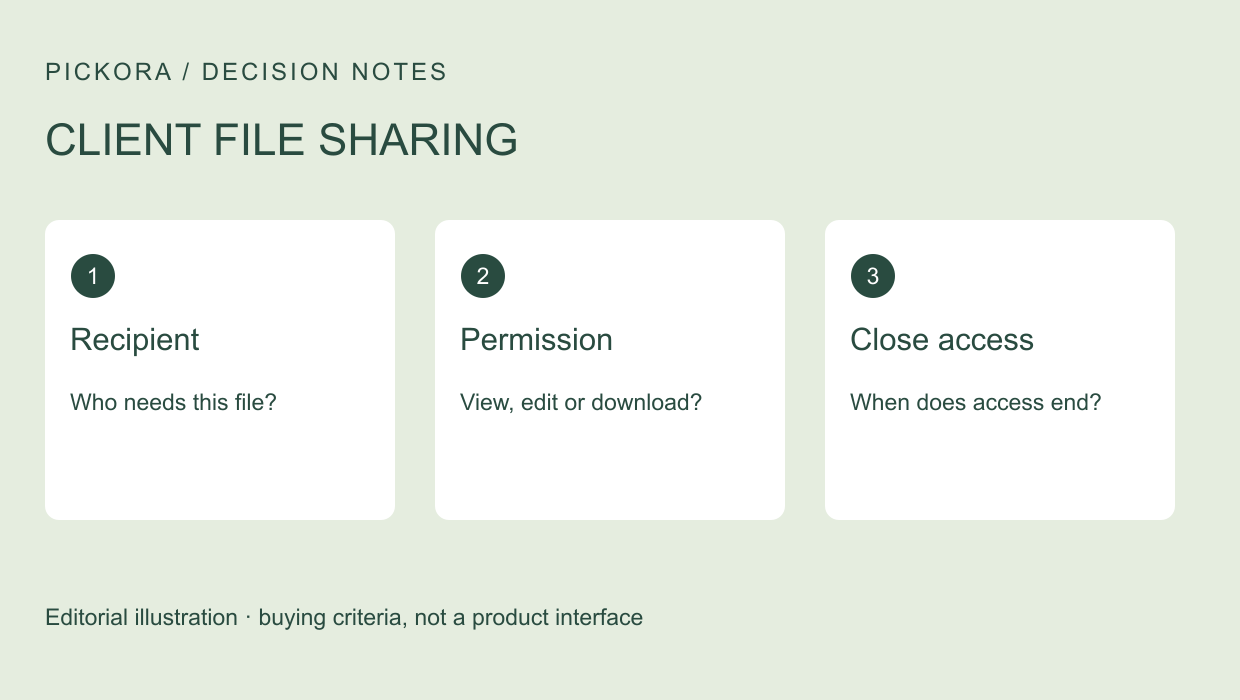
A useful sharing workflow identifies the recipient, limits the action and has a clear end. Use this checklist before sending confidential client material.
Define the exchange before choosing the app
Secure client file sharing begins with a specific job: one person needs a particular document for a defined purpose. Sending a full folder because it is convenient can expose more material than that job requires. Write down the file, recipient, intended action and deadline first.
This guide is an editorial checklist informed by Tresorit’s official sharing and security pages, checked November 4, 2026. Pickora has not run a client engagement through the service or verified the effectiveness of its controls. The cover is a Pickora illustration, and the body visual is a vendor example.
Check the identity behind the address
Confirm the intended recipient through your established client contact path. A familiar display name is less useful than a verified destination and a clear reason for access. Where several people need documents, identify them separately rather than assuming that a broad group address will remain appropriate throughout a project.
Decide whether the exchange needs named access, email verification or a link that can be forwarded. Tresorit’s product description lists protected-link controls and file requests. Check the actual product and tier before relying on a particular option.
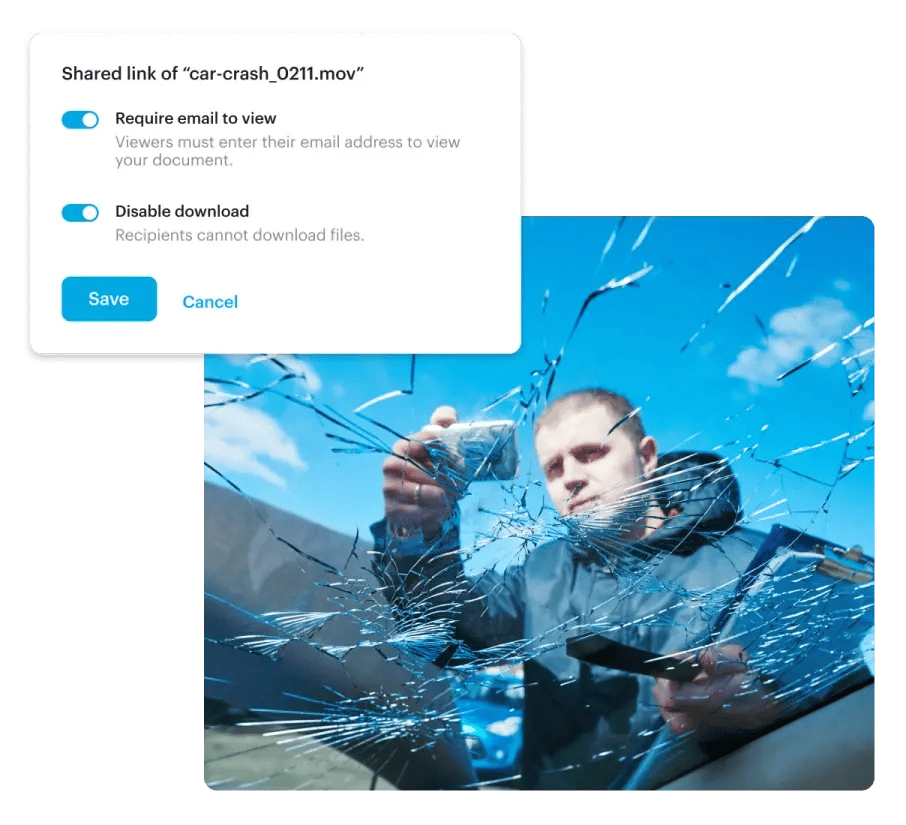
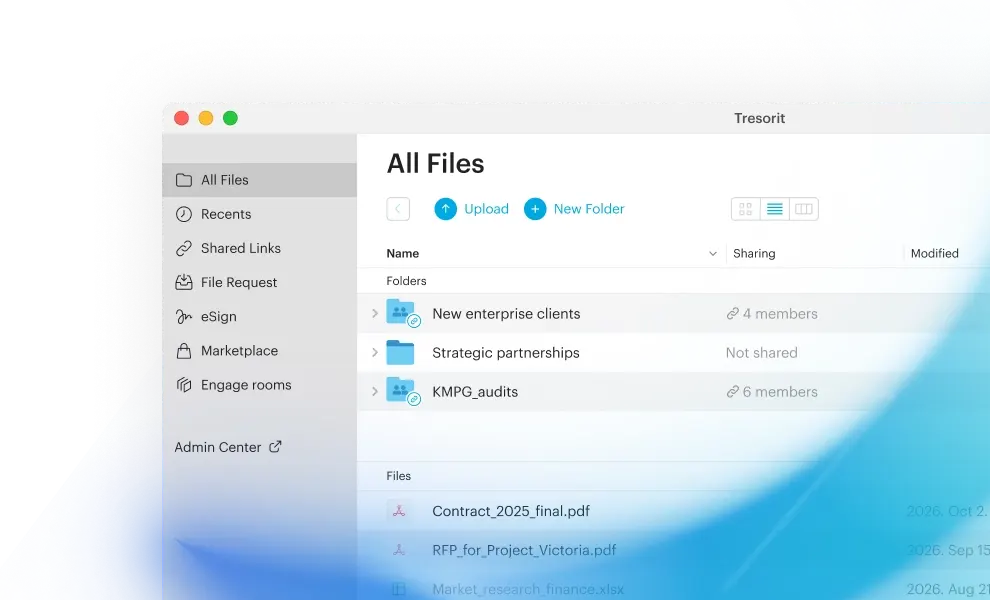
Vendor demonstration visual. Source: Tresorit. This is not a Pickora test account.
The visual shows email and download settings, not proof that a recipient has been independently identified. Ask how those controls fit your own contact-verification process.
Separate viewing, editing and collecting
A client who only needs to read a final report does not necessarily need editing rights to the working folder. Someone returning documents may need an upload request rather than access to all the files you already hold. Treat sending and collecting as separate tasks.
Create a harmless sample with the same file type and approximate size as the real exchange. Open it through an external recipient account, check the permissions and try the required action on a phone as well as a desktop. Record what happened. A successful upload by the sender does not demonstrate that the recipient could use the file.
Give access an end
Set an appropriate expiry if the tool and plan support it, and give one colleague responsibility for checking the exchange when the work finishes. If there is no automatic expiry, put the removal task into the project checklist. A link should not remain active simply because everyone forgot about it.
Distinguish ending future access from deleting copies already received. Download restrictions can be relevant, but they are not a promise that information cannot be photographed or recorded. Agree what the client may retain and use the organization’s approved retention process.
Protect the return journey
Ask how the client will return comments or supporting files. A controlled outgoing link loses much of its purpose if replies arrive as attachments scattered across personal inboxes. Tresorit describes encrypted file requests for collecting files from people without an account; confirm the exact limits before making that the agreed route.
Use a simple naming convention and one destination for the current version. Keep an explicit owner for corrections. The purpose is to make it easy for both sides to identify the file that is ready for action, without accidental access to earlier or unrelated material.
A small acceptance record
Before using real client information, record five outcomes: the verified recipient opened the file; the permitted action worked; unnecessary access was absent; expiry or revocation behaved as expected; and returned material reached the correct location. These are suggested checks, not reported Pickora test results.
Tresorit’s security page explains its vendor-stated encryption model. That can inform product selection, while your acceptance record answers a different question: whether this specific exchange works for the people who must use it. Keep both parts of the decision.
Continue with this topic
Useful resources
Tresorit
One documented option discussed in this guide; assess the relevant plan and workflow.
Pickora may earn a commission if you buy through this link. Read our disclosure.