At a glance
Choose the lowest plan that covers your rights, required features and realistic generation workload. Budget revisions before treating a credit allowance as finished content.
- Separate the recurring price from first-month offers.
- Use the actual product and model rate when estimating credits.
- Choose commercial permissions before generating final monetized work.
The right subscription depends on what you need to produce, not the largest credit number you can afford. A light publishing schedule with a licensed library voice has a different buying requirement from a recurring project built around your own professional voice clone.
This guide uses official pricing and support information checked on October 13, 2026. It is a budgeting guide, not a measured estimate of output quality, production speed or finished minutes.
Step 1: identify the feature that sets your minimum plan
Start with a sentence describing the deliverable: for example, “four narrated tutorials each month, using a library voice, for a monetized channel.” Then add any required feature: a professional clone, a specific output format or project sharing. These requirements establish the first shortlist; credits come next.
The current monthly USD price list provides these starting points, before taxes:
| Plan | Regular monthly price | Monthly credits | Buying question |
|---|---|---|---|
| Free | $0 | 10,000 | Can I explore with noncommercial output? |
| Starter | $6 | 30,000 | Does a modest paid workload fit without professional cloning? |
| Creator | $22 | 121,000 | Do I need Professional Voice Cloning or more generation headroom? |
| Pro | $99 | 600,000 | Does documented volume or an output requirement justify the larger bill? |
Starter includes Instant Voice Cloning; Creator adds Professional Voice Cloning. Do not pay for the latter just because its name sounds more suitable for professional work. If your brief uses a library voice, a professional clone may solve no current problem.
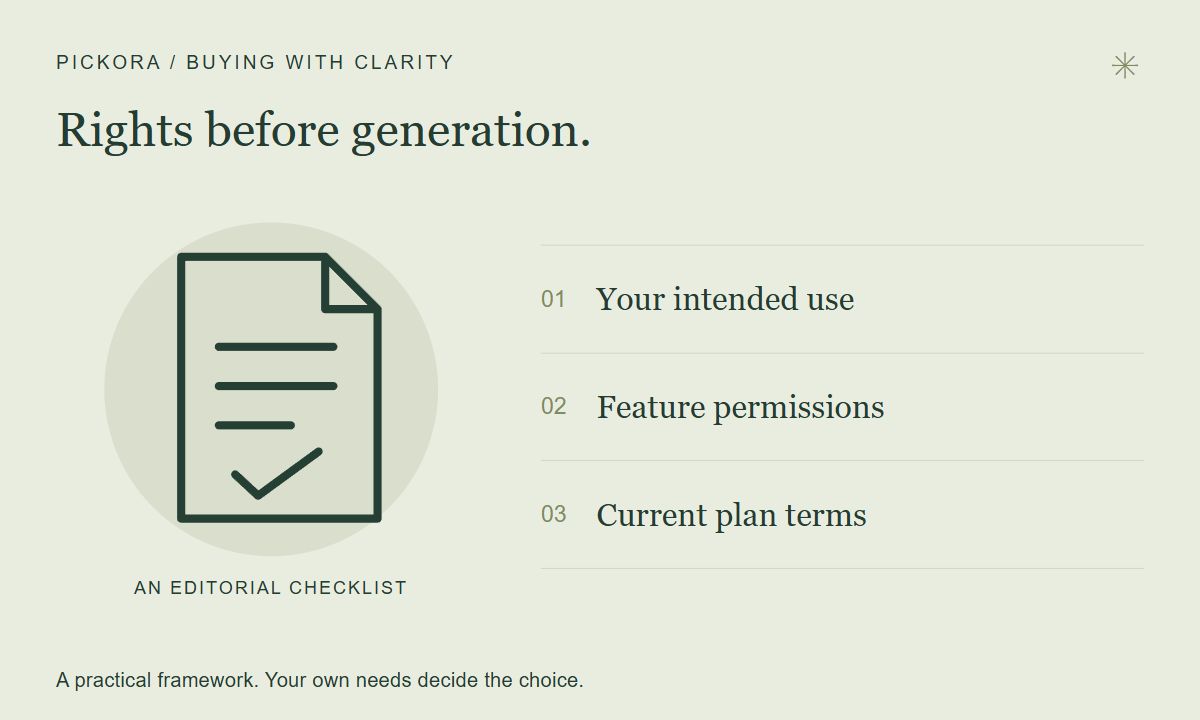
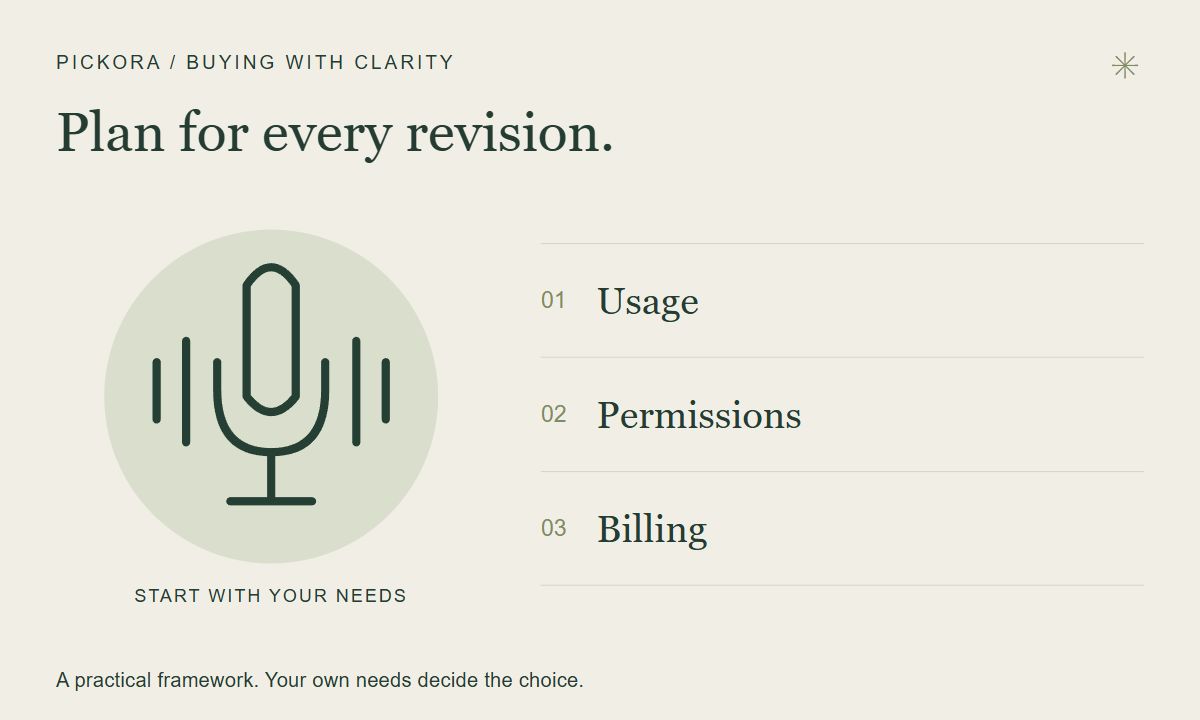
Pickora editorial diagram, based on the purchasing checks in this guide; not a vendor interface.
Step 2: estimate generation work, including revisions
ElevenLabs’ credit explanation says consumption depends on the plan, product, model and whether you generate in the website or API. A balance is not a universal promise of minutes. Use the rate for the workflow you actually intend to run.
Count the characters in a representative script, including the material you expect to regenerate. If you produce several content types, keep separate estimates for narration, dubbing and other generation. Add them only after converting each task using its applicable rate.
Here is an illustrative calculation using a one-credit-per-character assumption for Multilingual v2 speech:
| Work item | Assumption | Estimated credits |
|---|---|---|
| Four scripts | 6,000 characters each | 24,000 |
| Revision allowance | Half the original text generated again | 12,000 |
| Total speech estimate | Before other product usage | 36,000 |
This is arithmetic, not a measured creator workload. At those assumptions, 30,000 credits would fall short. That gives you a reason to compare a larger allowance, reduce the scope or change the process. It does not prove Creator is the best plan for every four-video schedule. Your actual scripts, model rate and revision frequency can change the answer substantially.
The useful question is whether you can finish the work with room for a correction, not whether the first draft barely fits. After one real project, replace the assumed revision allowance with your observed use.
Step 3: leave space for the rest of the project
A narration estimate can miss media generation and editing assistance. The Studio documentation explains that Studio Agent chat and generated media consume credits. If you intend to ask the agent to assemble a video, count that as additional work rather than assuming your speech estimate covers it.
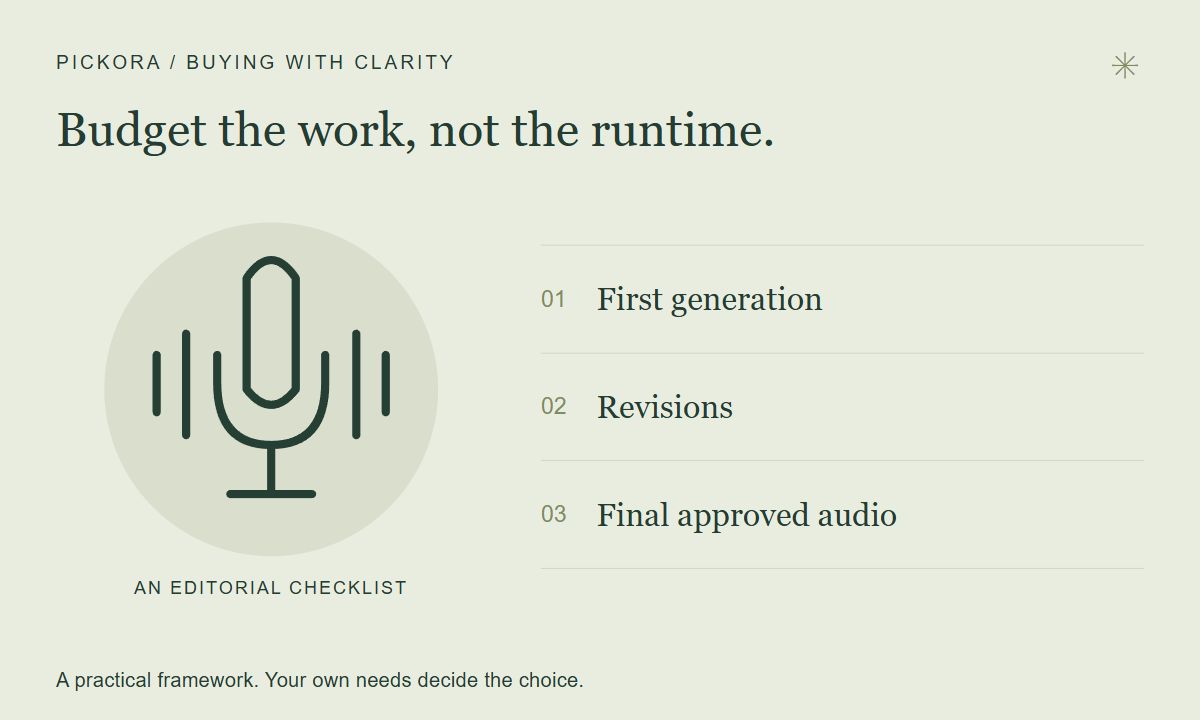
Pickora editorial diagram. No fixed credit rate or measured output duration is implied.
ElevenLabs also documents limited free Studio regenerations when the text, voice and relevant settings remain unchanged. Check the generation button for eligibility. A corrected sentence is not the same request, so do not build a business budget around unlimited free retries.
Keep a short record after every project: initial generation, revisions, other tools and remaining balance. This turns an uncertain estimate into a buying decision based on your own workflow. If a substantial part of the allowance goes into abandoned experiments, prepare the script and brief before generating the next batch.
Step 4: check the renewal, not just today’s offer
The pricing page showed a $1 first month for Starter through October 18 and an $11 first month for Creator when checked. These are introductory offers; use the regular $6 and $22 figures when planning recurring costs. Confirm eligibility and the exact amount due at checkout.
Rollover is also conditional. The published pricing guidance limits paid-plan carryover and ties it to maintaining an active subscription without downgrading or cancelling. Avoid buying months of unused allowance as if it were a permanent stockpile. The relevant balance and renewal date are account details you should check before changing plans.
Annual billing can lower the equivalent monthly figure while increasing your upfront commitment. For a new workflow, one representative month may be more informative than buying a year because a banner offers a saving. Choose the longer commitment after you know how often you will use the product and how much of the allowance becomes usable work.
Step 5: generate commercial assets under the right terms
ElevenLabs’ commercial-use guidance excludes Free output from commercial use. Paid output is subject to rights and product terms; beta services are excluded from commercial and production use. Upgrading later does not retroactively license earlier Free output under that guidance.
For a monetized channel or client project, settle the plan and feature eligibility before generating final assets. Keep a simple production record with the generation period, selected feature and relevant permission checks. The subscription does not give you rights to a script, voice or soundtrack that you did not already have permission to use.
Make the purchase decision from a small worksheet
Write down five items: required commercial permission, required feature, expected generation use, revision allowance and recurring amount you can sustain. A library-voice project with a small paid workload may fit Starter. A verified professional-clone requirement sets Creator as a starting point. A larger schedule deserves a volume calculation before a larger purchase.
If the estimate is close to the limit, test one complete project and inspect actual usage. If it is far below the limit, do not upgrade for unused headroom. If the product cannot meet the brief, a higher allowance alone will not fix the mismatch.
Useful resources
ElevenLabs plans
Compare the current plan, included credits and checkout terms after estimating your own workload.
Pickora may earn a commission if you buy through this link. Read our disclosure.
Questions & answers
Will a later upgrade license my Free output commercially?
ElevenLabs says upgrading does not retroactively grant commercial rights to output generated outside a paid subscription. Check the feature terms before generating final commercial assets.
Does downloading audio again use generation credits?
The pricing guidance distinguishes generation requests from downloads. Revisions may trigger new generation; check the interface for any eligible free regeneration before proceeding.
Should I start with annual billing?
Only after a representative workload confirms the tool fits. Compare the upfront commitment and renewal terms with your likely usage, rather than choosing annual billing solely from its monthly equivalent.