At a glance
Choose the publishing system and who will maintain it before comparing hosting discounts. Your recurring editorial routine matters as much as the infrastructure.
- Choose a CMS and publishing workflow before a hosting tier
- Compare renewal and migration costs as well as the introduction rate
- Ask how a restore is performed, not only whether backups exist
- Verify your forms, images and previews in the actual deployment workflow
What to look for
Publishing workflow
Who can draft, preview, approve and publish without help?
Ownership and migration
Can you export the content and retain control of domain and media?
Recovery
Know the restore steps, included retention and exclusions.
Recurring cost
Compare the renewal bill, add-ons and maintenance effort.
Start with the editor you intend to use
“Hosting for a blog” describes several different purchases. You might want WordPress with a conventional admin area, a visual website builder, or a code-based site with an editorial workflow layered on top. Decide that first. A hosting comparison is difficult to interpret when the products assume different publishing systems.
This guide uses official documentation checked October 13, 2026 and editorial purchasing criteria. Pickora has not benchmarked server response times, uptime or support performance. The providers mentioned are examples of different arrangements, not a performance ranking.
Map one complete publishing cycle
Write down how an article moves from draft to live page. Include uploading images, seeing a mobile preview, asking for approval and correcting an already published paragraph. Then identify who performs each step. If a deployment fails, can the editor recover, or does a developer need to intervene?
For a managed WordPress arrangement, inspect the host’s selected plan alongside your theme, plugins and permissions. “Managed” does not automatically tell you which maintenance tasks remain yours. For a builder, verify whether the editor gives you the archive, search and article layout you need. For a code-based blog, confirm the CMS and preview process separately from the hosting service.
Compare the full second-year bill
An introductory rate describes only part of the purchase. Record the initial term, renewal rate, taxes, domain arrangement, email cost and any paid backup or security add-ons. Note whether the headline price requires paying for several years in advance.
Read the selected Hostinger hosting offer rather than assuming every plan includes the same allowance. The relevant cost is the configuration you would actually buy. A cheaper first invoice is not decisive if migration, renewal or maintenance makes the arrangement difficult to keep.
Backups need a restore plan
Ask what is backed up, how often, how long it is retained and how a restore is requested. Find out whether the restore covers the database, uploaded media, configuration and any external service you rely on. Keep domain and account access records independently of the website itself.
Before a major change, establish how you will return to a working state. Where practical, rehearse on a staging copy using the provider’s instructions. A backup badge in a plan table is useful evidence of a feature; it is not evidence that you have successfully recovered your particular blog.
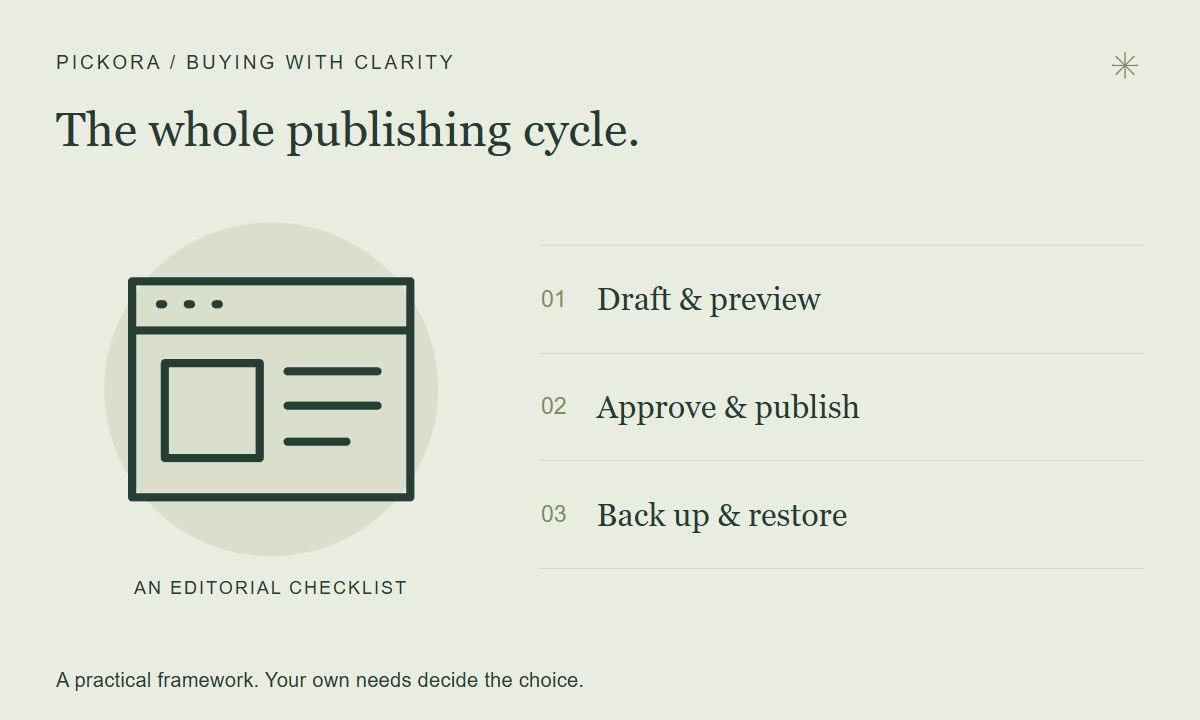
Pickora editorial workflow diagram, not a hosting dashboard or a performance result.
Understand the code-based alternative
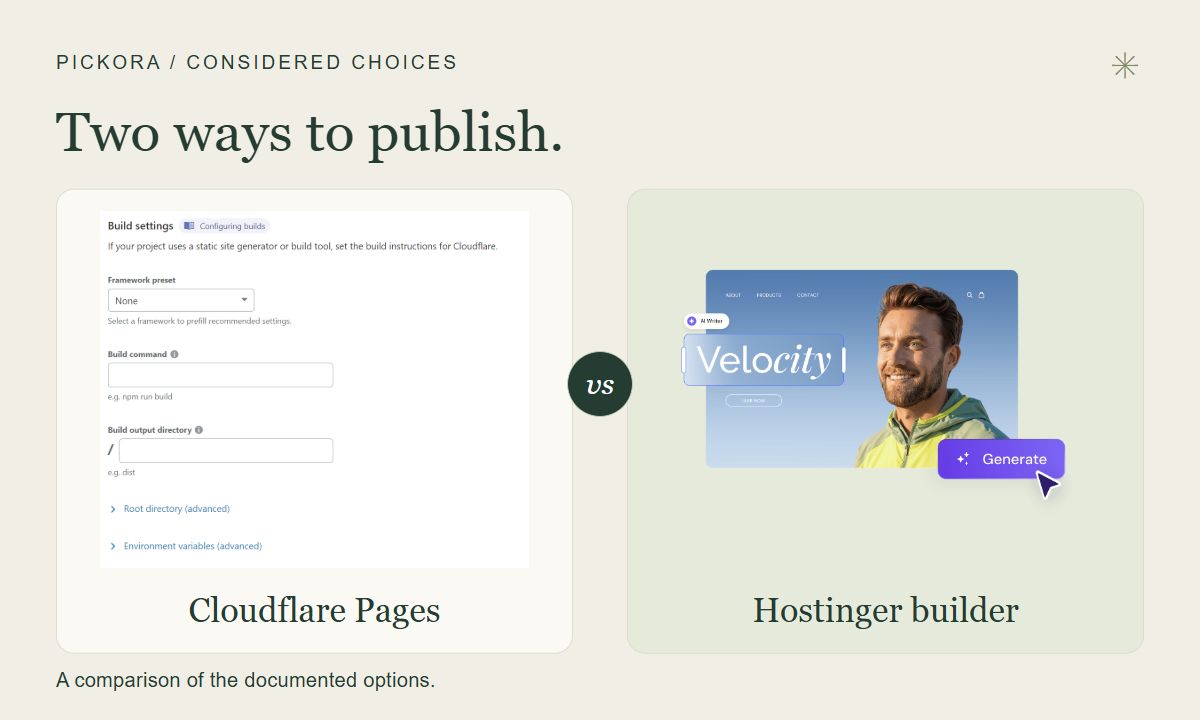
Cloudflare’s current Pages documentation recommends Workers for new projects. That guidance matters if you are starting today; do not follow an old hosting article without checking the current path. Existing Pages projects and a new platform choice are separate decisions.
A code-based deployment can suit a blog with someone who maintains the build and content workflow. The hosting service alone does not provide the complete editorial operation. Check asset limits, forms, redirects, preview visibility and which features require another service. Avoid assuming a free entry tier makes every future requirement free.
Test before moving the domain
Use a representative unpublished article containing headings, a comparison table and several images. Open it on a phone, test search and navigation, and verify the editor can make a correction. Check the contact form and any subscriber flow separately; a page loading successfully does not prove messages reach the intended inbox.
Keep control of the domain account and document how the content can be exported. Our preferred buying rule is to choose the arrangement you can publish through, recover and leave with understandable effort. Hosting becomes a good fit when those everyday operations work—not simply when a price card looks attractive.
Useful resources
Hostinger web hosting
An example of a hosting plan family to inspect against a WordPress workflow; verify the selected plan.
Cloudflare platform documentation
An example of a code-based deployment platform; current Pages guidance recommends Workers for new projects.
Questions & answers
Should I choose hosting before choosing a CMS?
Define the publishing workflow first. WordPress, a visual builder and a code-based site make different demands on the hosting arrangement.
Does a backup feature mean I can restore my entire blog?
Verify what is included, retention, restore steps and exclusions. External services may need separate recovery arrangements.