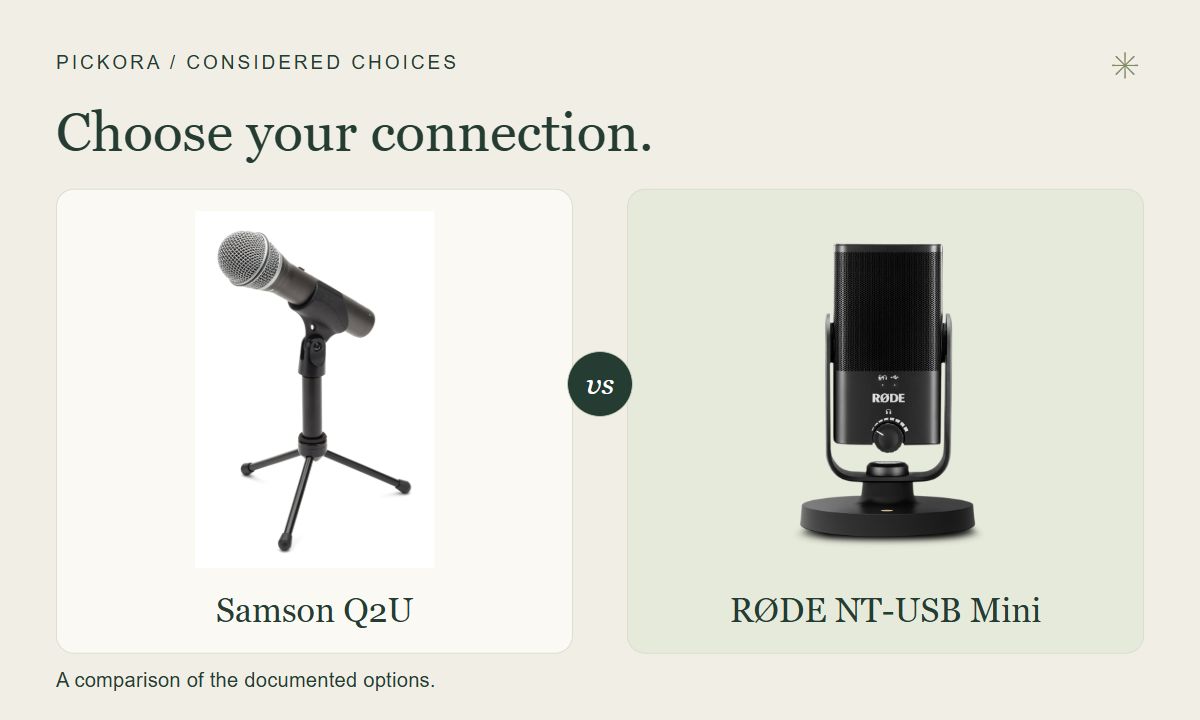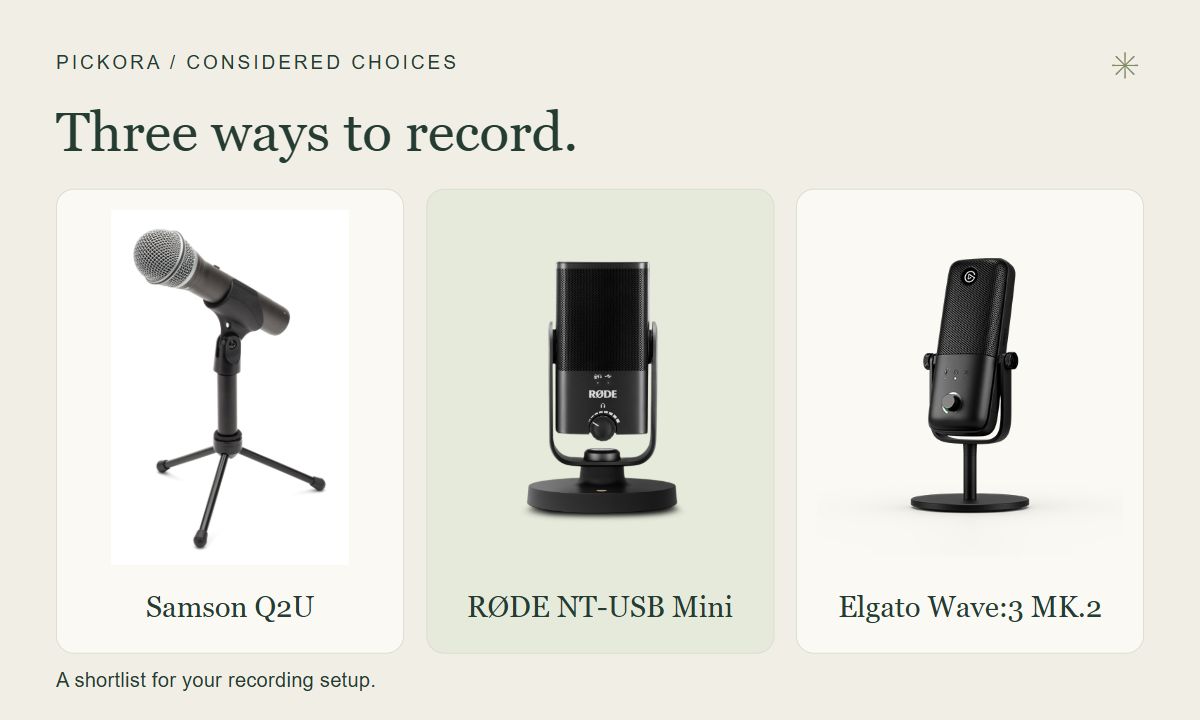
At a glance
Start with your recording setup: a USB/XLR path, a compact desk microphone or a processing-focused USB workflow. These are documented candidates, not a listening-test ranking.
How we selected these picks
Source-based selection checked October 13, 2026. We selected three distinct connection and control workflows from official product documentation. We did not record audio, compare noise rejection or measure latency; order is editorial, not a performance rank.
- Connection path
- Headphone monitoring and controls
- Mounting and desk needs
- Software dependency and exact model generation
The shortlist
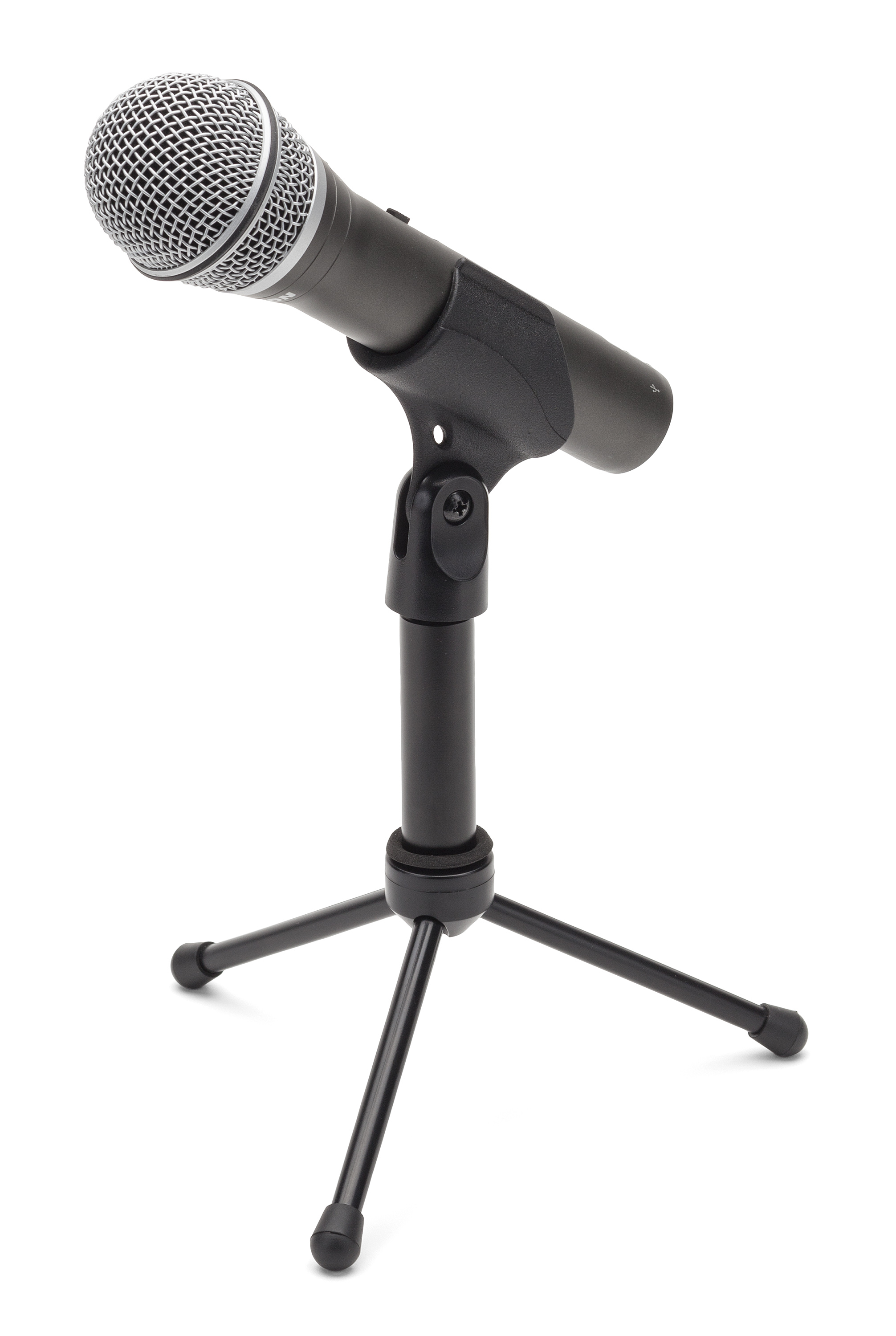
USB/XLR candidate
Samson Q2U
Best for: A setup that may later connect to an audio interface or mixer.
The documented USB and XLR connections provide two recording paths. Check the connector version and included accessories on the exact unit.
Strengths
- USB and XLR outputs
- Headphone output and included desktop accessories
Trade-offs
- Mount placement still needs planning
- A dynamic capsule is not a guarantee of eliminating room noise
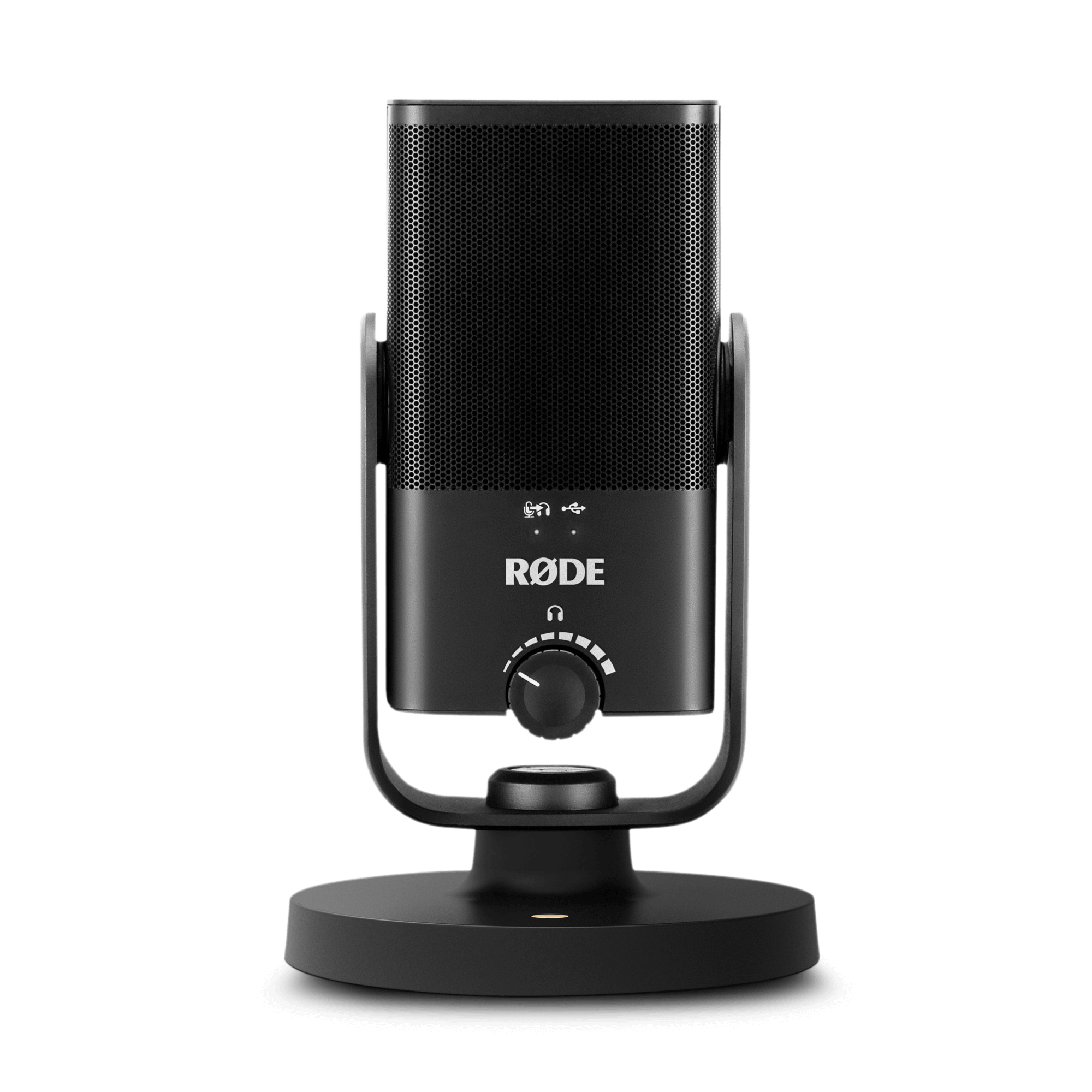
Compact desk candidate
RØDE NT-USB Mini
Best for: A small desk setup where headphone monitoring and simple mounting matter.
A compact USB condenser microphone with a detachable magnetic stand. Evaluate the desk position before assuming the included stand is enough.
Strengths
- Detachable magnetic desk stand
- Headphone monitoring
Trade-offs
- USB workflow rather than an XLR upgrade path
- Some processing features use RØDE Connect
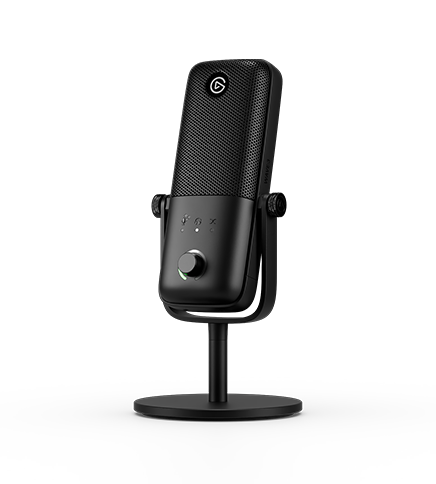
Processing-focused candidate
Elgato Wave:3 MK.2
Best for: Creators who want to evaluate onboard processing and an audio-routing workflow.
The current MK.2 adds a Wave FX Processor and onboard DSP. Check generation-specific requirements rather than using an original Wave:3 tutorial.
Strengths
- Onboard DSP documented for MK.2
- Headphone jack and tap-to-mute control
Trade-offs
- A more involved processing workflow to evaluate
- Original Wave:3 specifications are not interchangeable
A voiceover microphone should fit the way you record. If you want to speak into a laptop today and use a mixer later, connection choices matter. If a small desk is your main constraint, a compact mount matters. If you produce a live stream with several audio sources, software routing becomes part of the purchase.
This shortlist keeps those jobs separate. Official manufacturer images illustrate the products; Pickora did not use these microphones for a recorded comparison. There is no best-sounding winner or score in this article.
The differences that change the setup
| Candidate | Documented route | What to check before ordering |
|---|---|---|
| Samson Q2U | USB and XLR, dynamic microphone | Exact connector version, accessories and space for its mount |
| RØDE NT-USB Mini | USB condenser, magnetic desk stand | Speaking position and whether you need an arm |
| Elgato Wave:3 MK.2 | USB condenser with onboard DSP | MK.2 identity, operating-system support and routing needs |
The Q2U page documents both digital and analog connections. That makes it a candidate when preserving an XLR path matters. It does not prove that you will need an interface, so avoid buying a second device before the project calls for it.
The NT-USB Mini page documents a compact body, detachable stand and headphone monitoring. The useful desk question is whether the mic can sit near the speaking position without obstructing your keyboard or screen. A small base does not mean any position on the desk will work equally well.
Elgato’s current product page is for Wave:3 MK.2. It describes the Wave FX Processor, onboard DSP and current system requirements. Older Wave:3 reviews and accessories can be easy to confuse with the new generation. Check the model name before comparing features or following setup instructions.
Budget for the complete recording position
List the microphone, cable, headphones and mounting needs separately. If your chosen position requires a boom arm, include its cost and desk clearance. Check the mount connection and whether an adapter comes in the box.
A microphone beside a laptop fan, against a reflective surface or far from the speaker is a different setup from a close, stable recording position. Try a short session with the equipment you already have. Identify whether the main problem is background activity, placement, inconsistent level or the microphone itself.
For an occasional voiceover, the best next purchase may be a useful mount rather than a more complicated processing chain. For a recurring production, repeatable placement can make later sessions easier to compare. These are setup considerations, not measured outcomes for any microphone here.
Monitoring and processing solve different problems
A headphone output helps you inspect the signal while recording. Processing changes the signal. Treat them as separate requirements: you may want to hear a clean take even when you intend to apply effects later.
RØDE documents processing features through Connect; Elgato documents hardware and software features for MK.2. Before making either ecosystem central to your workflow, check your computer’s current compatibility and how the recording application receives the microphone signal.
Avoid selecting a product solely because a demonstration sounds polished. A manufacturer’s processed example is not the same as your untreated room, delivery style and script. Ask whether you need those effects and whether you can also keep a useful source recording.
Make one representative recording before the return period ends
Record a paragraph containing a name, numbers and a sentence with a louder phrase. Keep the speaking distance steady and listen through the whole file. Check clipped words, plosives, room sound and whether your monitoring arrangement is comfortable to use.
Then record the same paragraph with the mount in its intended everyday position. The point is to evaluate the complete purchase, including where it lives on the desk. Keep the box and follow the seller’s applicable return conditions while you make that assessment.
Choose Q2U for an evaluated USB/XLR route, NT-USB Mini for an evaluated compact desk route, or Wave:3 MK.2 for an evaluated processing-focused route. If the basic recording remains unsuitable, troubleshoot the room and placement before assuming a more expensive model will solve it.
Questions & answers
Which microphone has the best sound?
We have not performed a controlled recording comparison. This shortlist selects documented workflows; use a representative recording in your room to judge sound.
Will a USB microphone remove background noise?
Do not buy on that assumption. Room conditions, placement and input level still matter. Compare the complete setup rather than treating the connection or capsule type as a noise-removal guarantee.